Steps
Step 1. First of all, you need to root your Android device, because the app that we are going to discuss will only work in rooted Android, so to root your android visit HERE.
Step 2. Now after rooting your Android device, you need to download and install the app Root Explorer in your device.
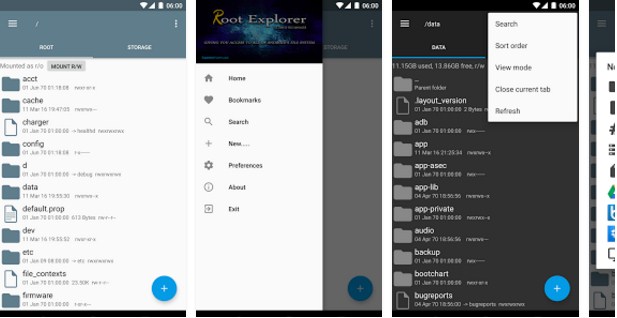
Step 3. Now launch the app and then navigate to the folder System Folder -> Build.prop.
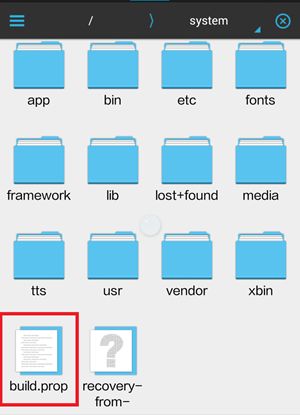
Step 4. And then tap on the file to open in and then choose any text editor to edit that file according to you.

Step 5. Now after opening the file, paste the simple code that is given below in it.
ro.config.hw_quickpoweron=true
Step 6. Now after this, save the file and come out of the app.
That’s it! you are done, now when you will power off and start your device then you will notice that device will boot up quickly and that’s just because of the above code.

No comments:
Post a Comment