Using IDM Optimizer Tool
Use the tool discussed in this method and boost up your IDM speed.
Step 1. First of all download and install IDM Optimizer Tool in your Windows PC.
Step 2. Now make sure IDM is installed on your PC, as this tool will only optimize IDM if it’s physically present on your system. Now just fire up your IDM Optimizer and then you will see the window like above just click on Maximize Now and you will get a note asking you to restart your IDM do that and once restart your PC.
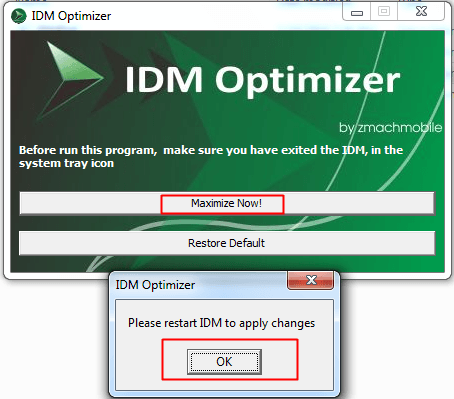
Step 3. That’s it now your IDM is boosted with speed, try to download any file and check out if speeds are good or not. If you want to restore your default settings then you can click on Restore Default.
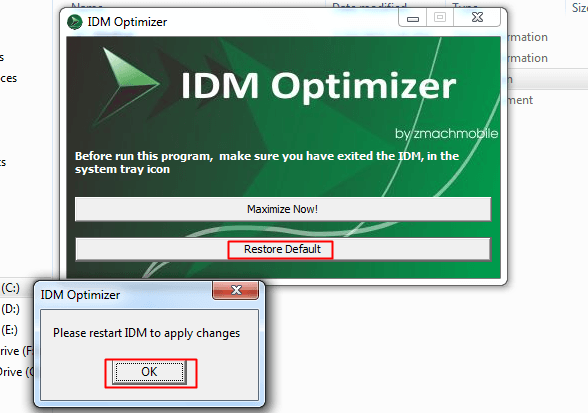
That’s it you are done, now your IDM will get boosted.

No comments:
Post a Comment